Designed for Australian Schools

Cut the prep.
Testing made
simple.

EasyAssess replaces the expensive, time-consuming cycle of photocopying and preparing student tests — getting your whole school ready in minutes, not days.

Whole-school ready in minutes
EasyAssess App Screenshot
Supports Apple Pencil ✏️
Zero Photocopies required
Minutes To set up your whole school
100% iPad native experience
F–6 Foundation to Year 6 ready
Why EasyAssess

Everything your school needs to assess with confidence.

Built by educators who understand the real cost of assessment prep — in time, paper, and stress. EasyAssess removes every unnecessary step.

📋

PDF-Based Assessment

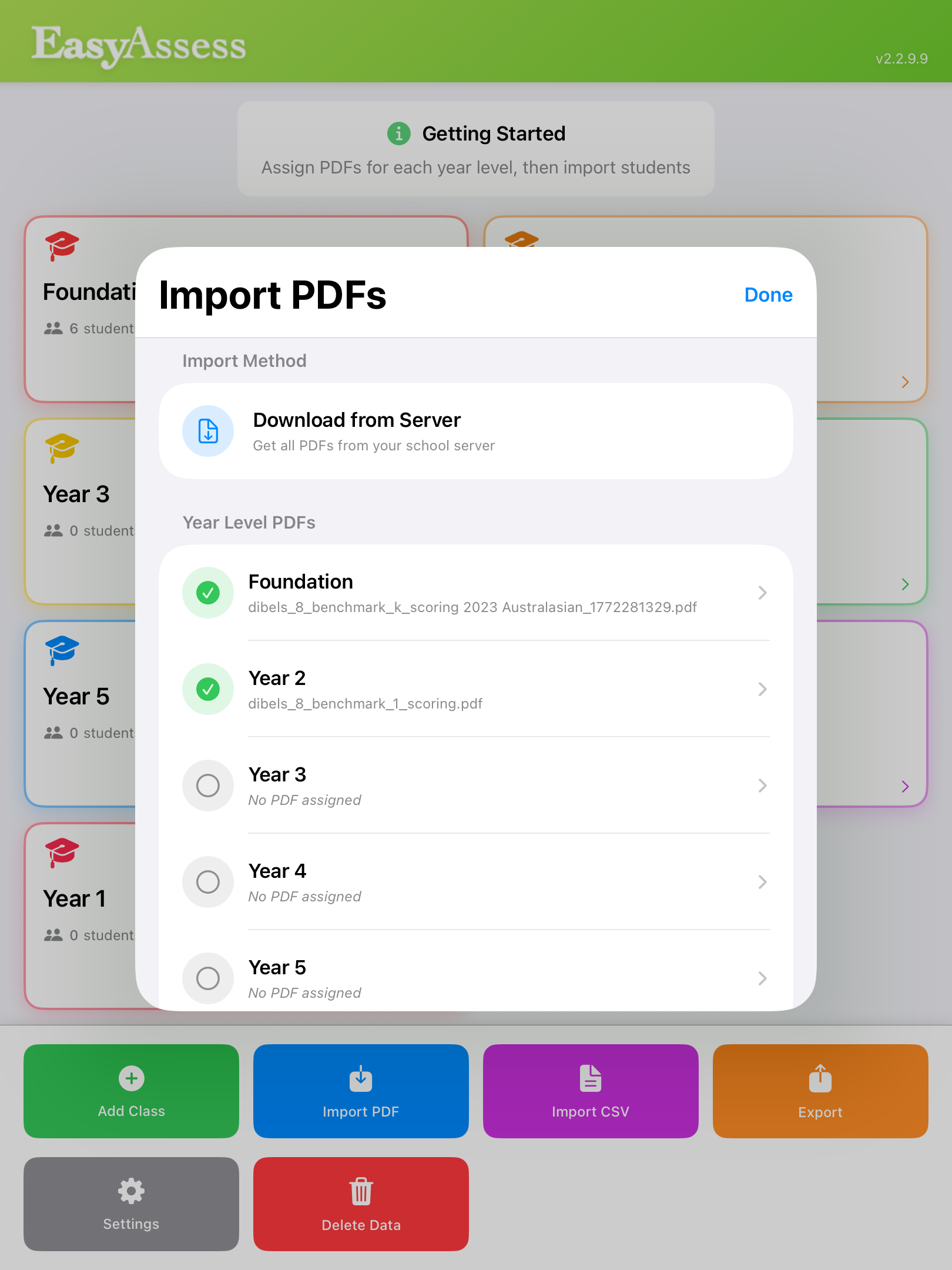
Assign existing assessment PDFs to each year level. Teachers access them instantly on their iPad — no printing, no distribution, no mess.

✏️

Apple Pencil Support

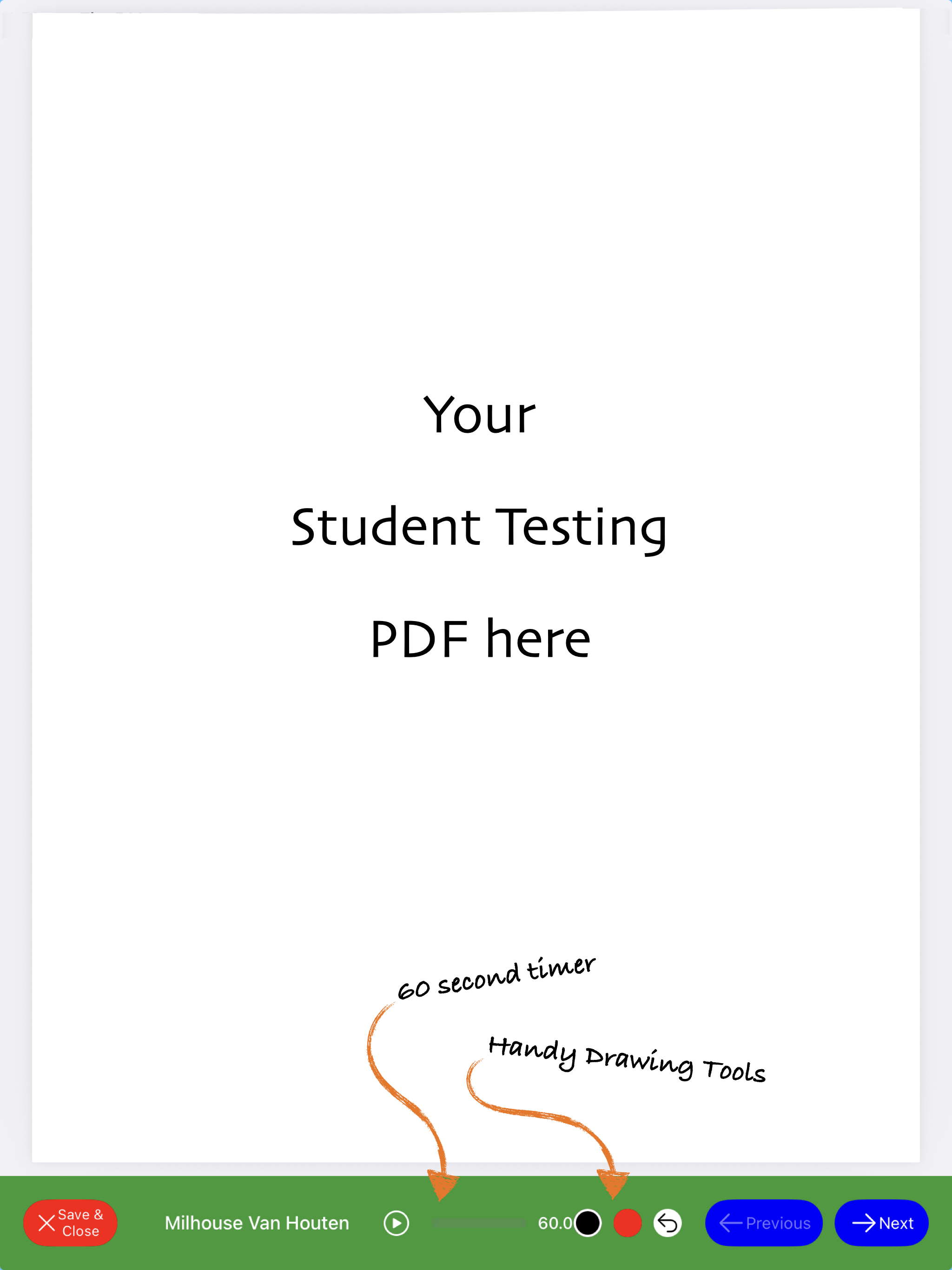
Teachers mark directly on-screen with full Apple Pencil precision, just like paper — but with the power of digital record-keeping behind it.

DIBELS - A match made in heaven

Perfectly suited to Dibels Literacy testing, EasyAssess simplifies the testing process and allows for easy exports for digital archiving. No more printing and storing paper.

There's also a handy 60 second timer built right in!

📊

Export & Reporting

Export results with a single tap. Get assessment data out of the classroom and into your reporting workflows without rekeying anything.

🔒

School Dashboard

Administrators manage the entire school setup from a secure web dashboard — setting up year levels, assigning PDFs, and overseeing all classes.

👨‍🎓

Class Management

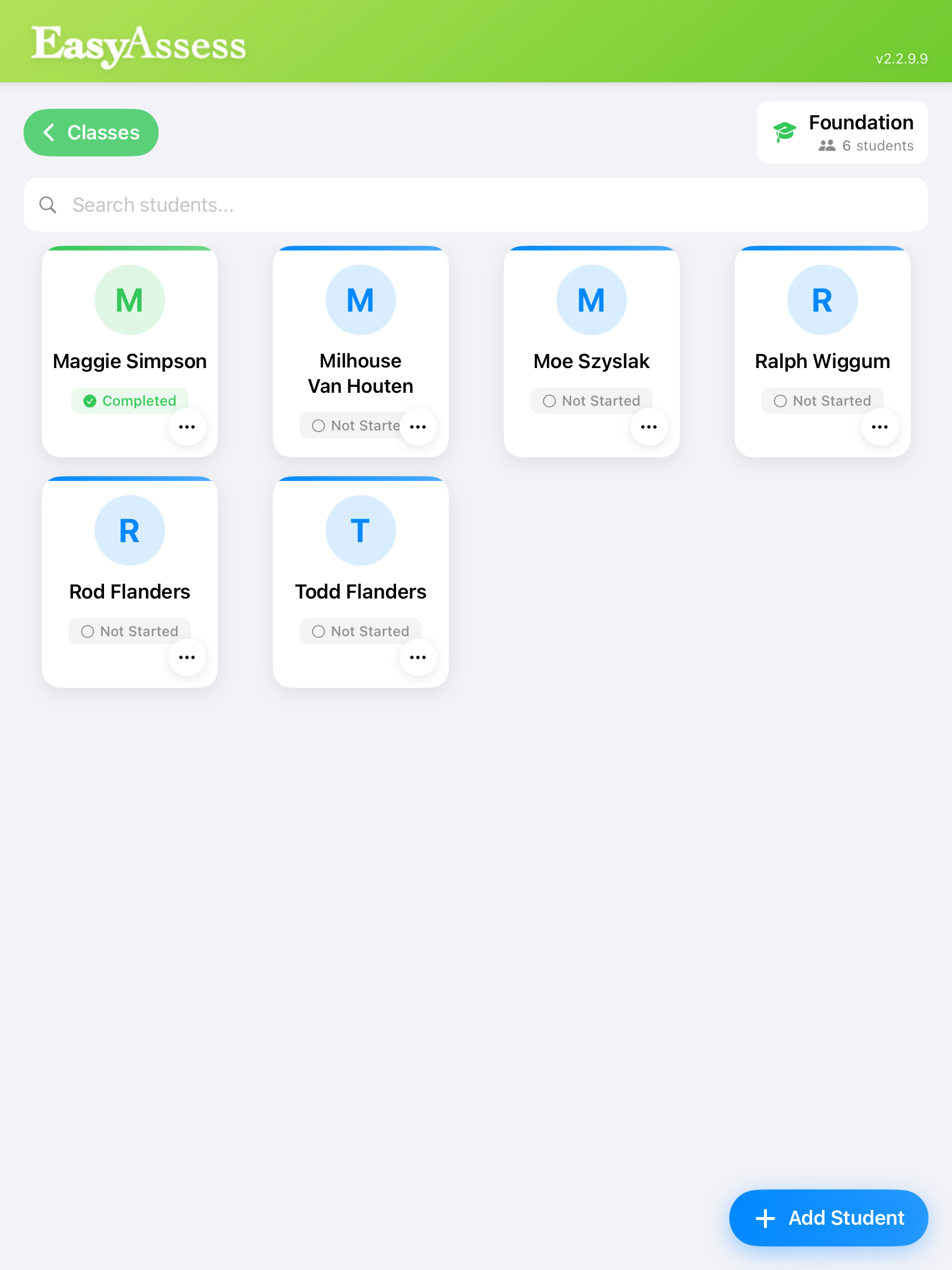
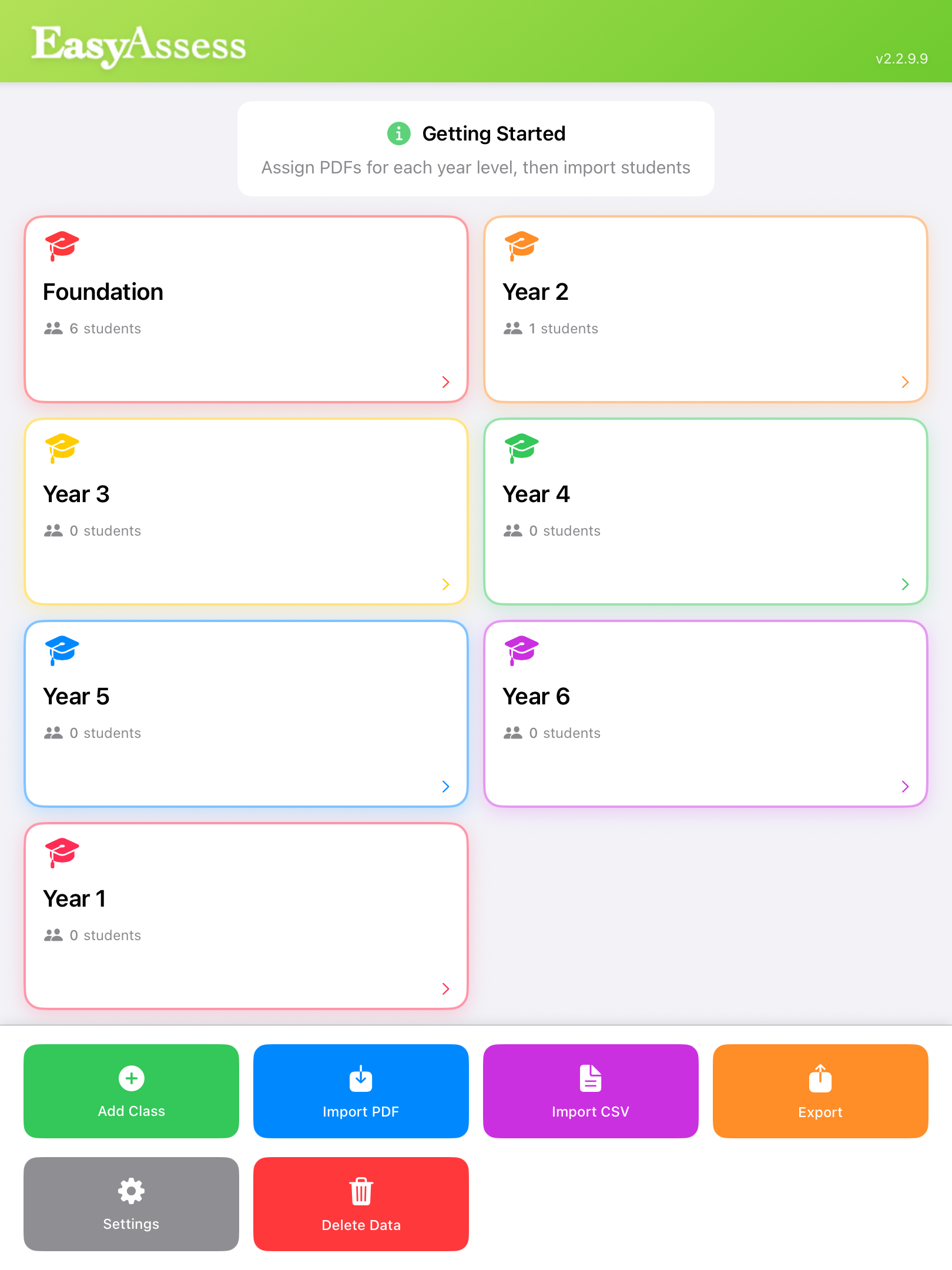
Organise students by year level and class. Import your student list via CSV in seconds. Track assessment status for every student at a glance.

☁️

Server Sync

PDFs and student data download directly from your school server. Everything stays current, consistent, and controlled by administration.

A clean, intuitive experience
teachers will actually love.

Scroll to explore the app.

Class overview
Year Level Overview
Student list
Student List & Status
Import PDFs
Import Assessment PDFs
Import Students
Easily Annotate Testing PDFs
How It Works

From setup to assessed.
In four simple steps.

No training days. No IT headaches. Just a clean, logical workflow your staff will understand immediately.

1

Set Up Your School

Log into the school dashboard, configure year levels, and upload your assessment PDFs — all from a web browser.

2

Import Your Students

Upload a simple CSV of your student list. EasyAssess organises them automatically by year level and class.

3

Teachers Assess on iPad

Open EasyAssess, select a student, and mark directly on the PDF assessment using Apple Pencil or touch.

4

Export Your Results

When assessments are complete, export results instantly for reporting, analysis, or sharing with leadership.

What Schools Are Saying

Trusted by teachers
and admins alike.

★★★★★
"EasyAssess has completely transformed how we handle whole-school assessment. What used to take our admin team half a day now takes 20 minutes. The setup is genuinely intuitive."
SB
Sarah B.
Principal, Primary School
★★★★★
"The Apple Pencil support is seamless. My teachers were up and running in the first session with zero training. The cost savings on photocopying alone made this a no-brainer."
MT
Michael T.
Assistant Principal, K–6
★★★★★
"Importing our student data took less than two minutes. The dashboard makes it easy for me to manage everything centrally — I can see exactly where every class is up to in real time."
JL
Steph R.
Principal, Adelaide Hills

Ready to get your
school started?

Getting set up is simple — contact us and we’ll have your school ready to go in no time.

Email us to get started
info@digimeec.com.au
Based in
Adelaide, Australia
🏫 Existing School? Sign In  Download on the App Store